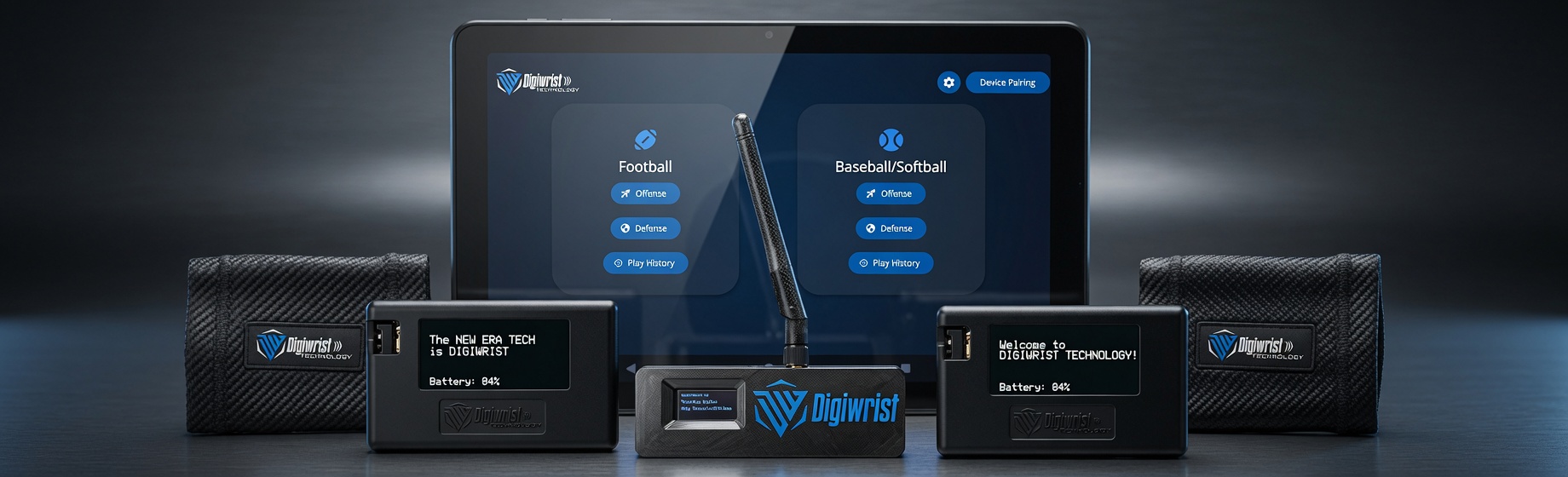
Replacement Hardware Request
A few quick steps — we'll get a replacement out to you.Step 1 · Photo of your receiver ✓ added
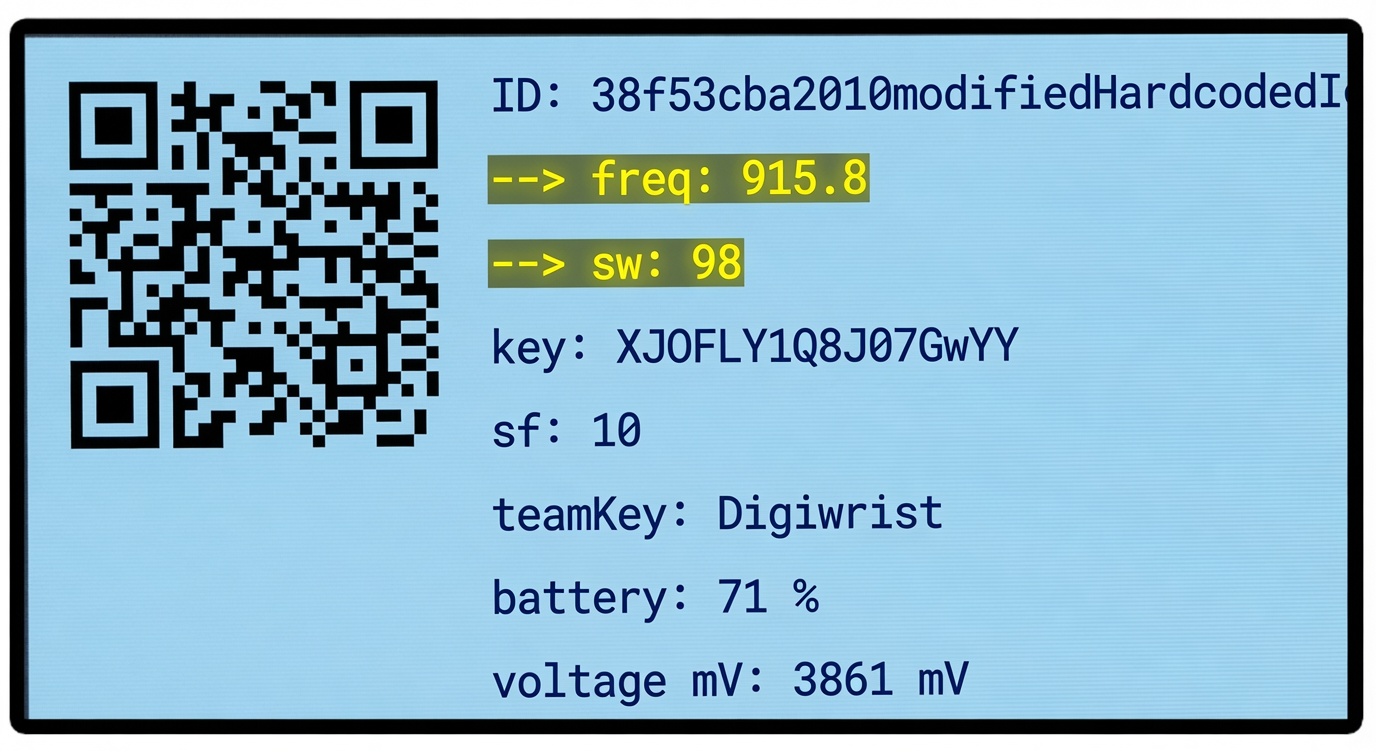
Power on a working receiver and bring up the info screen (the one with the QR code) — it looks like this. Take a clear, straight-on photo, then type the two highlighted numbers.
Step 2 · What's broken ✓ added
For each item that's broken, enter how many and add photos — take a picture or upload from your phone/computer. One photo if it's one, more if it's several.
Nothing selected yet — enter quantities above.
Step 3 · Where to ship it
Already a DigiWrist team? Enter your email and we'll pull your shipping info automatically.
We'll verify your team on file and reach out about your replacement.
✓
Got it — your replacement request is in.
A DigiWrist team member will follow up at the email you gave us.